> ## Documentation Index
> Fetch the complete documentation index at: https://docs.healthkeri.com/llms.txt
> Use this file to discover all available pages before exploring further.
# Introduction
> Welcome to healthKERI, we'll show you how to Sign Everything.
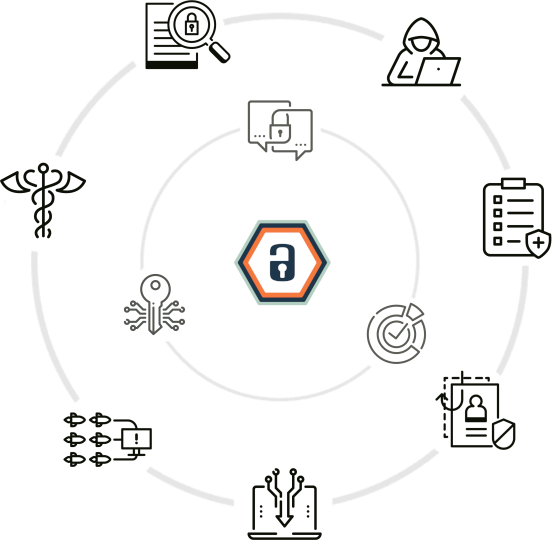
 “Signing everything” means using cryptographically secure digital signatures on every transaction. In this zero-trust environment, data is only sent/ingested when valid digital signatures are used. No more shared secrets.
We achieve this by combining the most advanced key management protocol available, [Key Event Receipt Infrastructure (KERI)](https://trustoverip.github.io/tswg-keri-specification/), with an approach to confidential and authentic data exchange called [ESSR](./essentials/essr), for "Encrypt Sender's key and then Sign Receiver's key", which is detailed [here](https://eprint.iacr.org/2001/079). For a more accessible explanation see the following: [PKAE1](https://neilmadden.blog/2018/11/14/public-key-authenticated-encryption-and-why-you-want-it-part-i/), [PKAE2](https://neilmadden.blog/2018/11/26/public-key-authenticated-encryption-and-why-you-want-it-part-ii/), [PKAE3](https://neilmadden.blog/2018/12/14/public-key-authenticated-encryption-and-why-you-want-it-part-iii/).
This unique combination of protocols allows our gateways to establish [True Zero-Trust](https://www.cisa.gov/resources-tools/resources/modern-approaches-network-access-security) connections that rely on post quantum secure identifiers, while keeping your "keys at the edge", where they belong.
## Setting up
The first step to securing all your data is setting up your environment and installing the demo software.
Ensure you have the necessary software installed on your system
Get the RACK starter kit Docker image, compose files and associated data
## Learning RACK
Next is learning how our **Routing, Authentication and Confidentiality with KERI (RACK)** Gateways work. Install and configure RACK using the following tutorials to learn how RACK secures your data transactions.
Connect 2 RACK gateway peers to secure data between 2 Mirth instances
Use healthKERI's SaaS service to route data through cloud routers
Create long lived digital signatures that can persist with data forever
Allow secure Zero-Trust access to any web portal
“Signing everything” means using cryptographically secure digital signatures on every transaction. In this zero-trust environment, data is only sent/ingested when valid digital signatures are used. No more shared secrets.
We achieve this by combining the most advanced key management protocol available, [Key Event Receipt Infrastructure (KERI)](https://trustoverip.github.io/tswg-keri-specification/), with an approach to confidential and authentic data exchange called [ESSR](./essentials/essr), for "Encrypt Sender's key and then Sign Receiver's key", which is detailed [here](https://eprint.iacr.org/2001/079). For a more accessible explanation see the following: [PKAE1](https://neilmadden.blog/2018/11/14/public-key-authenticated-encryption-and-why-you-want-it-part-i/), [PKAE2](https://neilmadden.blog/2018/11/26/public-key-authenticated-encryption-and-why-you-want-it-part-ii/), [PKAE3](https://neilmadden.blog/2018/12/14/public-key-authenticated-encryption-and-why-you-want-it-part-iii/).
This unique combination of protocols allows our gateways to establish [True Zero-Trust](https://www.cisa.gov/resources-tools/resources/modern-approaches-network-access-security) connections that rely on post quantum secure identifiers, while keeping your "keys at the edge", where they belong.
## Setting up
The first step to securing all your data is setting up your environment and installing the demo software.
Ensure you have the necessary software installed on your system
Get the RACK starter kit Docker image, compose files and associated data
## Learning RACK
Next is learning how our **Routing, Authentication and Confidentiality with KERI (RACK)** Gateways work. Install and configure RACK using the following tutorials to learn how RACK secures your data transactions.
Connect 2 RACK gateway peers to secure data between 2 Mirth instances
Use healthKERI's SaaS service to route data through cloud routers
Create long lived digital signatures that can persist with data forever
Allow secure Zero-Trust access to any web portal